Notifications
Get notified when exports complete or fail
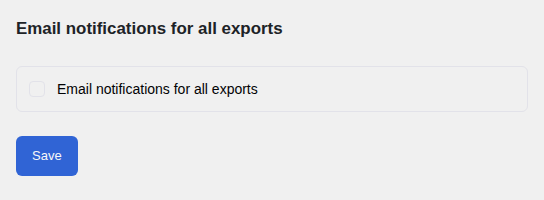
Email Notifications
Enable email notifications in the Settings tab. Enter one or more recipient addresses separated by commas. The plugin will send an email whenever an export finishes successfully or encounters an error.
Webhook Notifications
You can also add webhook URLs — one per line — to receive an HTTP POST request when an export completes or fails. This makes it straightforward to connect with services like Slack, Zapier, or any custom system that can receive webhook calls.
Per-Schedule Overrides
Each schedule can have its own email recipients and webhook URLs that override the global settings from the Settings tab. Set these when creating or editing a schedule. This is useful if different schedules should notify different people or systems.
What Is Included
Notifications include the export name, its final status (complete or failed), the number of rows exported, and — for email notifications — a direct download link so the recipient can retrieve the file without needing to log in to WordPress.