Line Items
Include product details for each order.
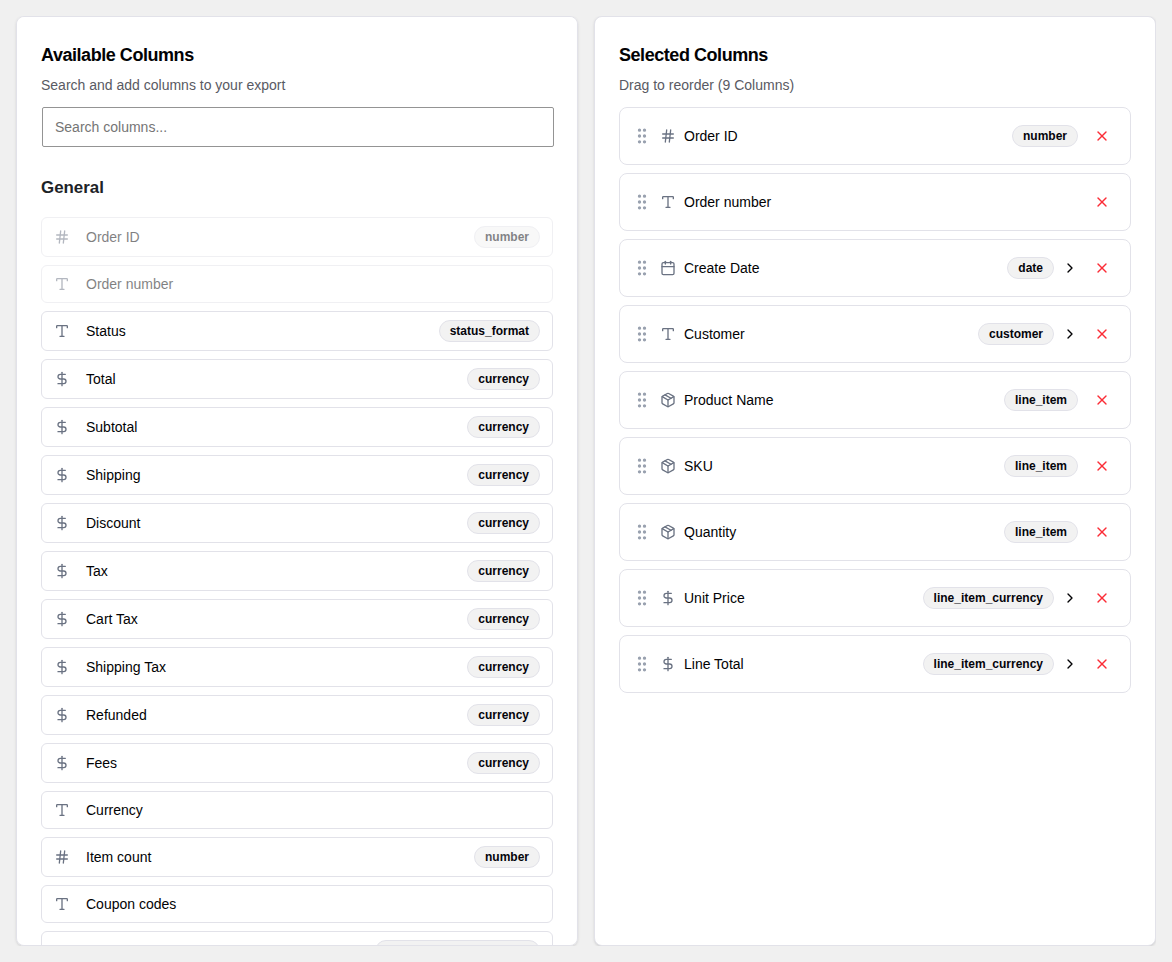
What Are Line Items
Each order in WooCommerce contains one or more products that were purchased. These individual products are called line items.
By default, an export has one row per order. Line item columns let you include details about each purchased product — such as the product name, SKU, quantity, and price — alongside the order information.
Three Modes
You can choose how line item data is structured in your export:
Concatenated (default)
All products in an order are combined into a single cell, separated by a delimiter you choose. Each order still has one row in the export.
For example, an order with two products might show: Widget A | Widget B
Best for: quick overviews where you want one row per order.
Expanded
Each product gets its own row. An order containing three products becomes three rows in the export, each with the same order information but different product details.
Best for: detailed item-level analysis, such as calculating total units sold per product.
Expanded Columns
Each product's fields get their own dedicated columns — "Product 1 Name", "Product 1 SKU", "Product 2 Name", "Product 2 SKU", and so on. Each order remains one row, but the columns expand to accommodate multiple products.
Best for: spreadsheet formulas that reference specific product positions in a row.
Available Fields
You can choose which product details to include for each line item:
- Product Name
- SKU
- Quantity
- Unit Price
- Line Total
- Line Tax
- Variation
- Weight
- Product ID
- Category
- Tax Class
Field Picker vs Template
There are two ways to configure which fields are included:
- Field Picker — Check the fields you want and choose a separator. Simple and quick.
- Template — Write a custom format using placeholders. For example:
{name} x{qty} @ {unit_price}produces output likeWidget A x2 @ $19.99. Gives you full control over the layout.
Item Separator
In Concatenated mode, choose how multiple products are separated within a cell:
- Newline — each product on its own line within the cell
- Comma
- Pipe (
|) - Semicolon